Device Condition Guide

Understand condition before you buy.

We separate how a device looks from how it was prepared. Shopper labels stay simple; technical grades stay on the product page.

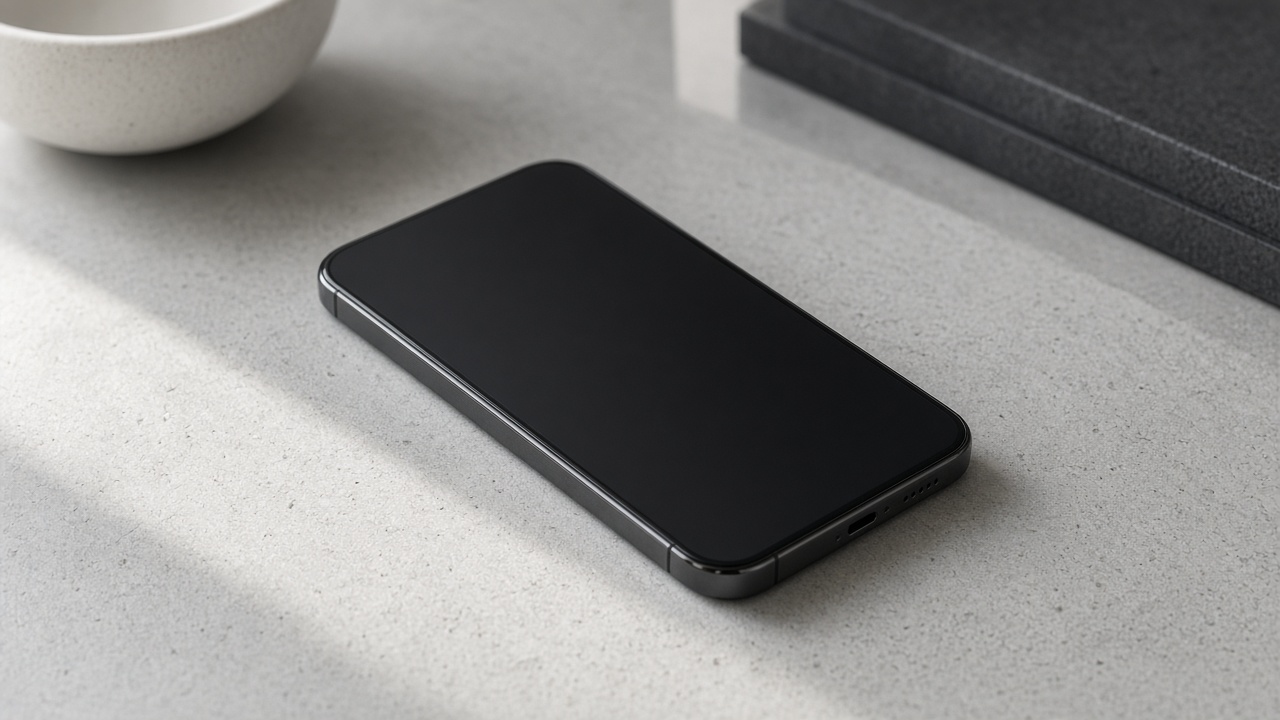
Device condition guide hero

Condition grades

Excelente · Muito Bom · Bom

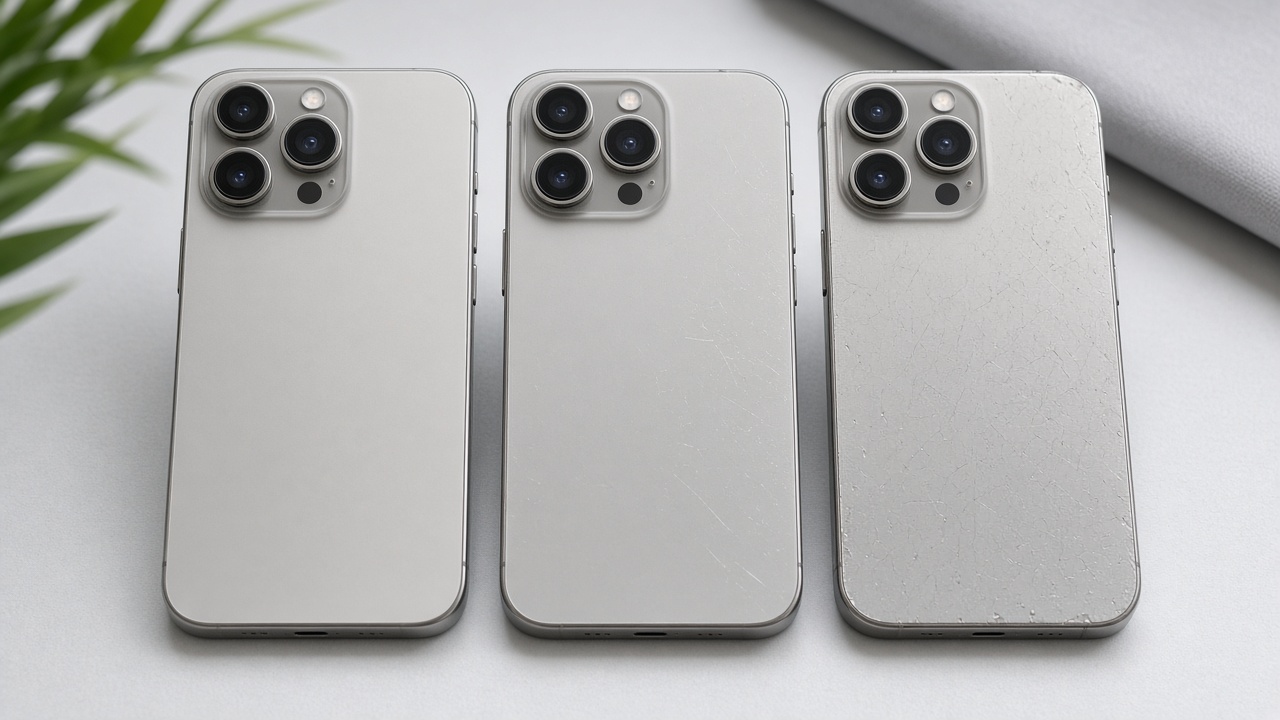
Tap a label to preview example photos and the shopper-facing description — same interaction as the product page.

Cosmetic condition: Excelente

Looks close to new, with only very light signs of use if any. Best cosmetic presentation in our shopper-facing grades.

Condition grade comparison

Shoppers mainly see Excelente, Muito Bom, and Bom on listings. These are the consumer-facing condition labels.

Technical grades (Grade A+ / A / AB / B / C) describe finer cosmetic detail for inventory. They stay on the product page and are not mixed into one confusing storefront label with AS-IS status.

Industry terms like AS-IS or refurbished may appear in admin or specs. The storefront prefers Excelente / Muito Bom / Bom for retail shoppers.

What to check on each product

  • Condition label (Excelente / Muito Bom / Bom) and photos
  • Battery health information when provided
  • Storage, color, and region/version fields
  • Warranty text for that SKU
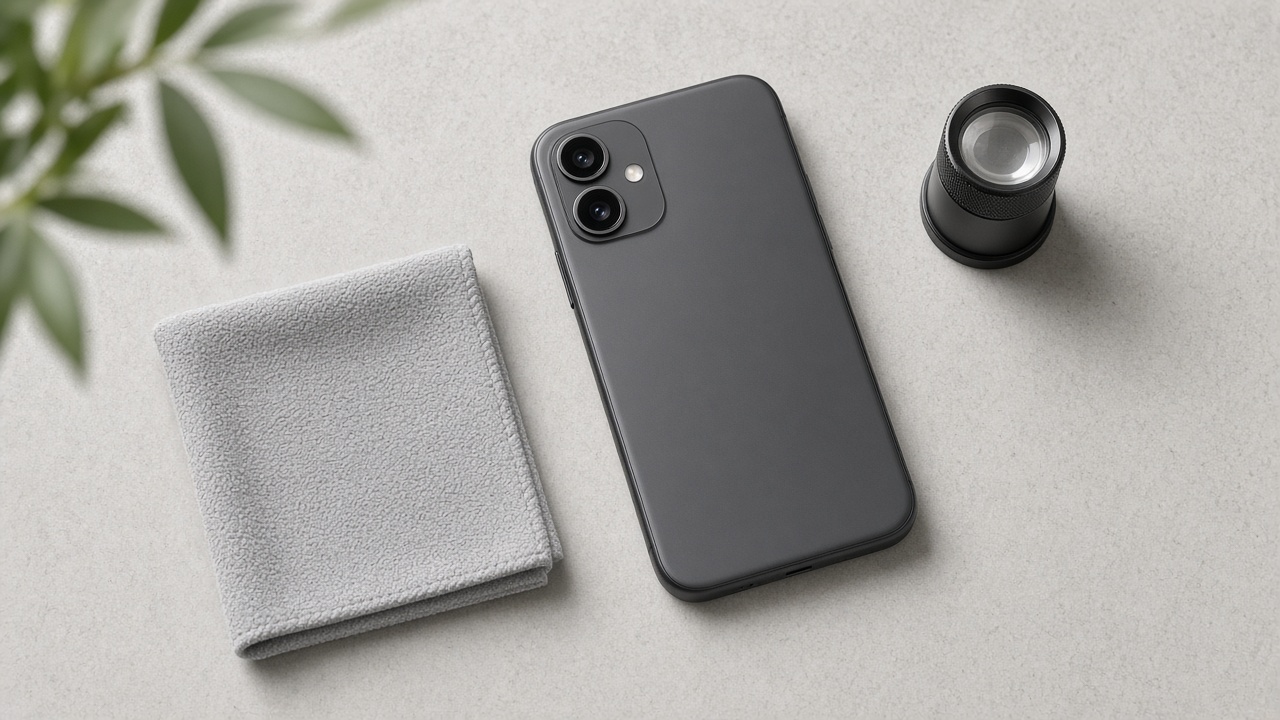
Condition photo review

Before listing

How a label is assigned.

01Receive

Intake with identity and lot context.

02Review

Surfaces reviewed under consistent light.

03Label

Excelente / Muito Bom / Bom is set.

04Photograph

Imagery matches the cosmetic story.

05List

SKU goes live with condition fields.

Related guides

Continue learning.

Still need a hand with your order?

Track your shipment in one click, or chat with us on WhatsApp for faster support.